Easy
to use
Import or create your wallet in one guided flow. Ready in minutes.
Self-custody first
Compare outcomes first, then move when the numbers make sense. Your assets, your rules — no middlemen, no surprises.
Download walletImport or create your wallet in one guided flow. Ready in minutes.
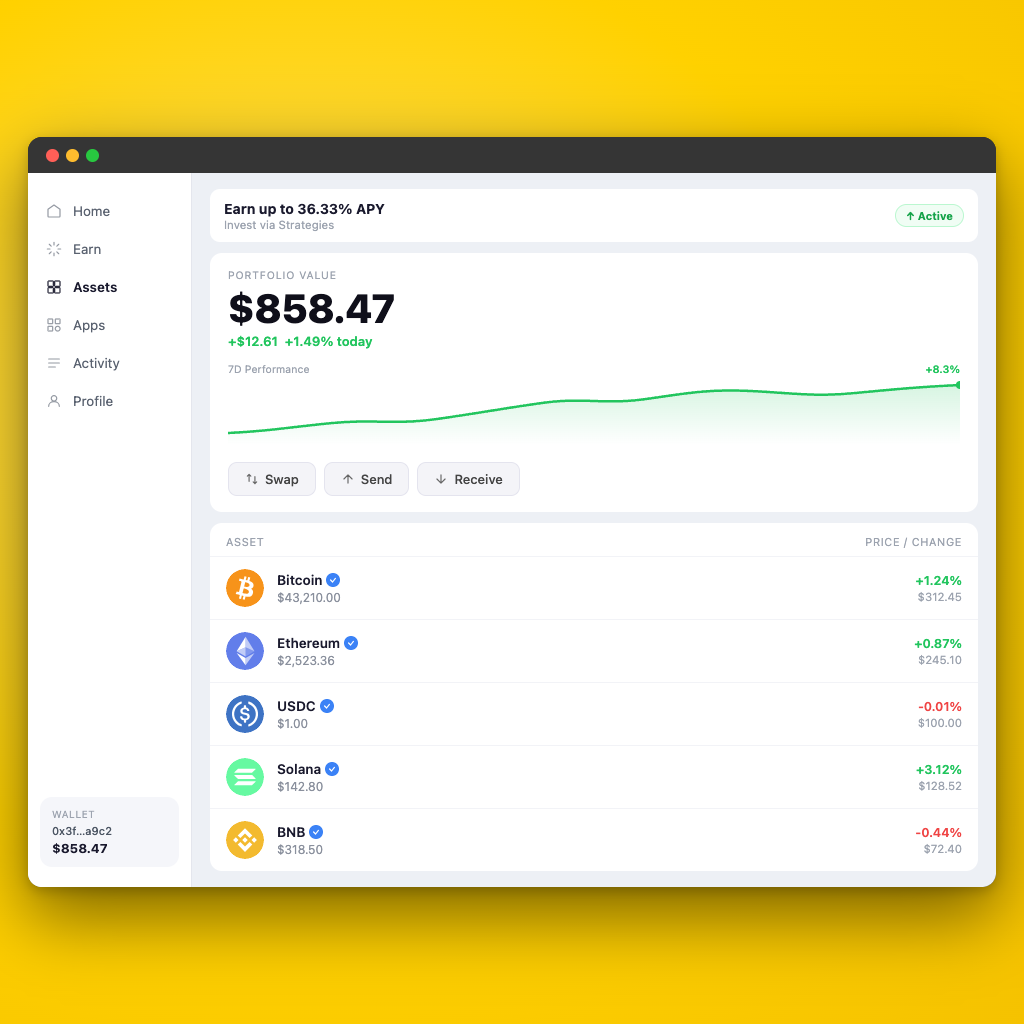
Bitcoin, Ethereum, Solana and every major L2, all from one desktop wallet.
Your keys and seed phrase stay on your device. No server ever sees them.
Swap, earn, and bridge through curated protocols. No external browser needed.
Full control, always. No third party holds your assets or signs any approval.
Staking, lending, liquidity — curated DeFi protocols built into the wallet. No tabs, no extensions.
Every transaction shows the network, amount, and fees upfront. Confirm only when the numbers make sense.
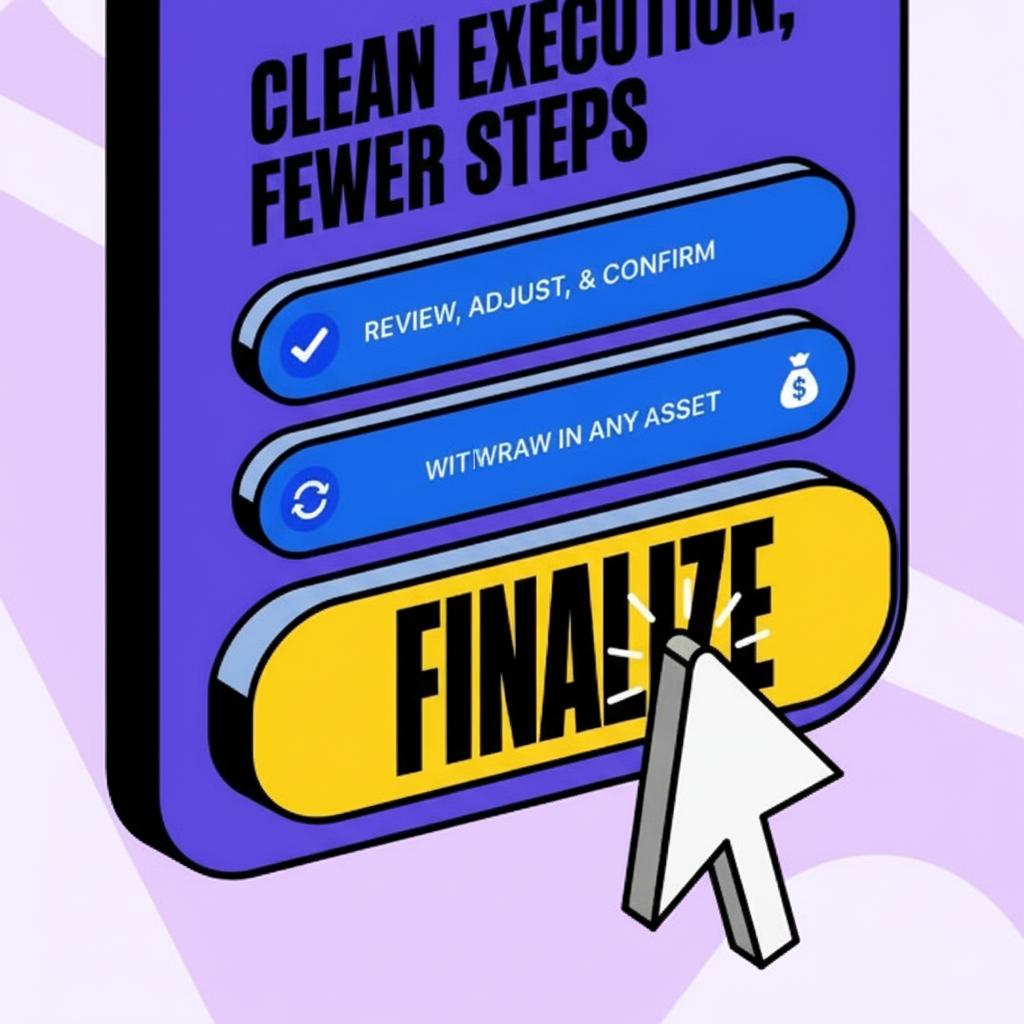
Create or import your wallet in minutes. Seed phrase backup is part of the flow.
See the best swap route and yield options before you tap confirm.
Save addresses, scan QR codes, and verify destinations before sending.
Connect to any Web3 app, control permissions, and revoke access anytime.
Every token, chain, and balance in one place. No switching between apps.
Sign with Ledger or Trezor without exposing your private key to the app.
Burrito is built around self-custody. Your keys stay on your device, and every transaction shows exactly what will be signed — network, amount, and fees — before you confirm.
A desktop crypto wallet built for self-custody, multichain asset management, and everyday DeFi. Store assets, move across networks, and use DeFi features — all from one app, without juggling separate tools.
50+ major networks from one desktop app — Bitcoin, Ethereum, Solana, Polygon, Arbitrum, BNB Chain, and every major L2. New networks are added on a regular basis.
Yes. DeFi is built into the wallet itself, not bolted on as a separate workflow. Swap, earn, and interact with protocols directly — no need to export keys or open a different app.
No. Burrito Wallet is built around self-custody, which means your keys and wallet access stay entirely under your control. Your seed phrase and private keys never leave your device.
Yes. Free native builds for Windows (.exe), macOS (.dmg), and Linux (.AppImage). All three platforms get the same full feature set.
The recovery phrase is the only backup for a self-custody wallet. If it is lost, access to the wallet cannot be recovered by anyone — including Burrito support. Store it carefully offline and never share it with anyone.
Because one focused app beats five browser tabs. A desktop wallet gives you a cleaner view of balances, network activity, and DeFi actions without constantly switching between extensions. For daily crypto users that means less friction and far fewer moving parts.
Multichain support
Bitcoin, Ethereum, Solana, Polygon, Arbitrum and every major L2. One wallet, one interface.